 5s
⚡ Générer
5s
⚡ Générer

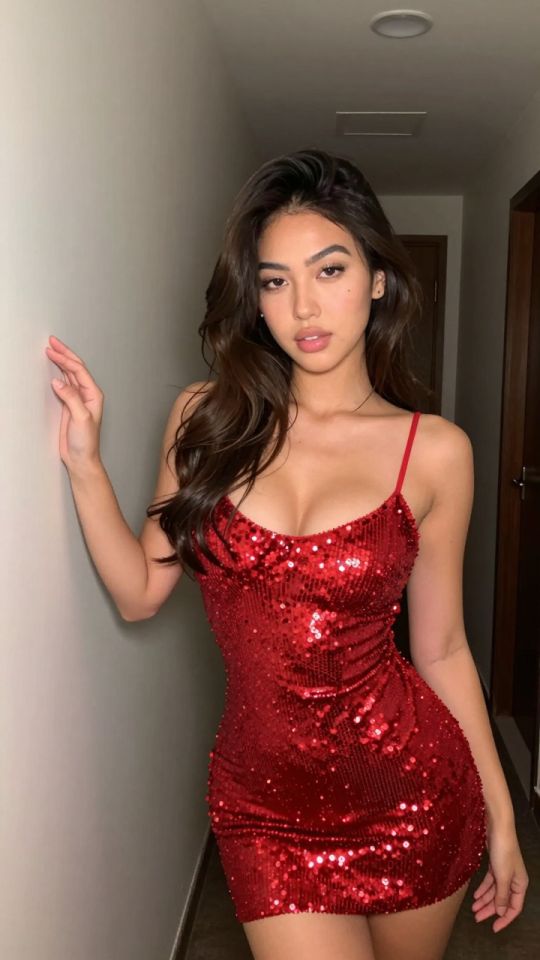
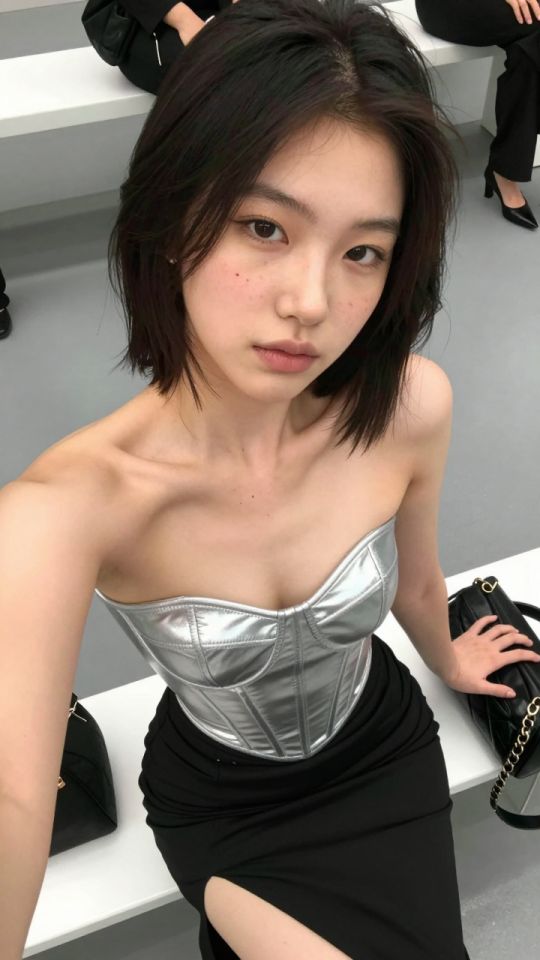
Choisis un modèle de mouvement prêt à l'emploi, dépose ta photo, et génère une vidéo IA personnalisée en quelques secondes. Chaque modèle est un préréglage de mouvement réglé aux petits oignons — sans prompt engineering, aucun logiciel de montage.
5s
⚡ Générer
 5s
⚡ Générer
5s
⚡ Générer
 5s
⚡ Générer
5s
⚡ Générer
 5s
⚡ Générer
5s
⚡ Générer
 5s
⚡ Générer
5s
⚡ Générer
 5s
⚡ Générer
5s
⚡ Générer
 5s
⚡ Générer
5s
⚡ Générer
 5s
⚡ Générer
5s
⚡ Générer
 5s
⚡ Générer
5s
⚡ Générer
 5s
⚡ Générer
5s
⚡ Générer
 5s
⚡ Générer
5s
⚡ Générer
 NOUVEAU Image
⚡ Générer
NOUVEAU Image
⚡ Générer
 NOUVEAU Image
⚡ Générer
NOUVEAU Image
⚡ Générer
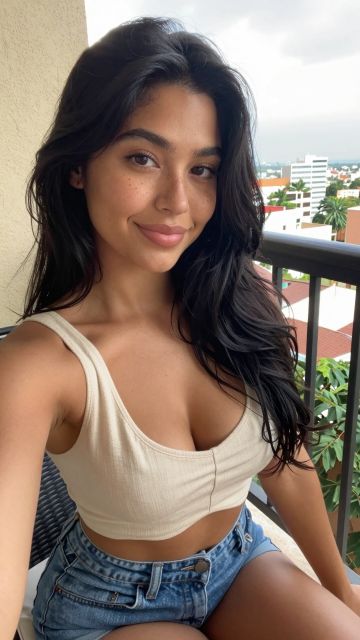 NOUVEAU 5s
⚡ Générer
NOUVEAU 5s
⚡ Générer
 NOUVEAU 5s
⚡ Générer
NOUVEAU 5s
⚡ Générer
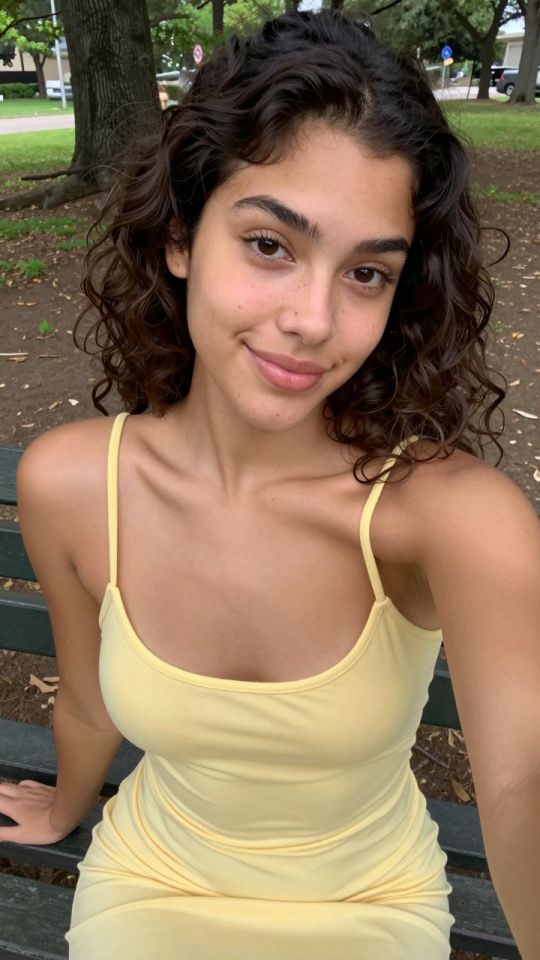
 NOUVEAU 5s
⚡ Générer
NOUVEAU 5s
⚡ Générer
 NOUVEAU 5s
⚡ Générer
NOUVEAU 5s
⚡ Générer
 NOUVEAU 5s
⚡ Générer
NOUVEAU 5s
⚡ Générer
 NOUVEAU 5s
⚡ Générer
NOUVEAU 5s
⚡ Générer
 NOUVEAU 5s
⚡ Générer
NOUVEAU 5s
⚡ Générer
 NOUVEAU Image
⚡ Générer
NOUVEAU Image
⚡ Générer
 NOUVEAU Image
⚡ Générer
NOUVEAU Image
⚡ Générer
 NOUVEAU 5s
⚡ Générer
NOUVEAU 5s
⚡ Générer
 NOUVEAU 5s
⚡ Générer
NOUVEAU 5s
⚡ Générer
 NOUVEAU 5s
⚡ Générer
NOUVEAU 5s
⚡ Générer
 NOUVEAU 5s
⚡ Générer
NOUVEAU 5s
⚡ Générer
 Image
⚡ Générer
Image
⚡ Générer
 Image
⚡ Générer
Image
⚡ Générer
 5s
⚡ Générer
5s
⚡ Générer
 5s
⚡ Générer
5s
⚡ Générer
 5s
⚡ Générer
5s
⚡ Générer
 5s
⚡ Générer
5s
⚡ Générer
 5s
⚡ Générer
5s
⚡ Générer
 5s
⚡ Générer
5s
⚡ Générer
 5s
⚡ Générer
5s
⚡ Générer
 5s
⚡ Générer
5s
⚡ Générer
 Image
⚡ Générer
Image
⚡ Générer

 Image
⚡ Générer
Image
⚡ Générer
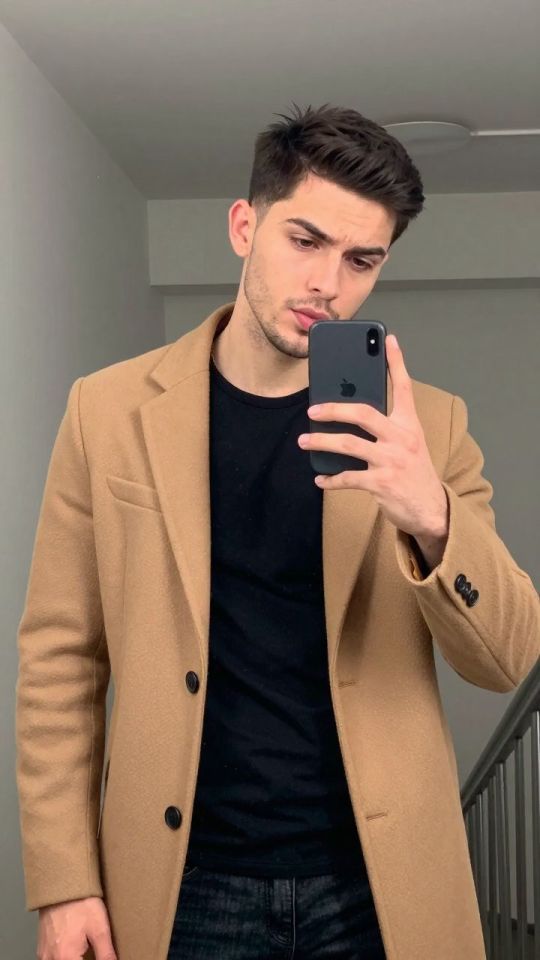
 Image
⚡ Générer
Image
⚡ Générer
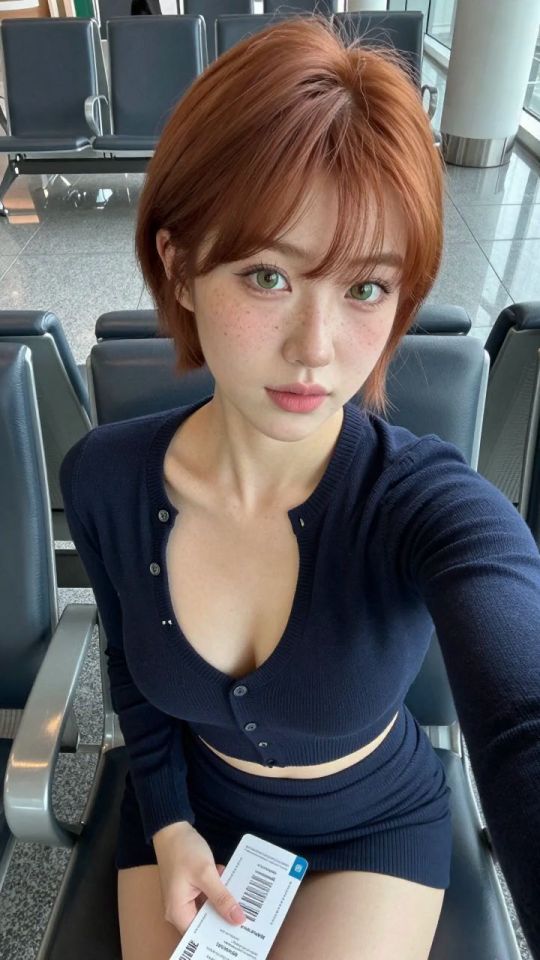
 Image
⚡ Générer
Image
⚡ Générer
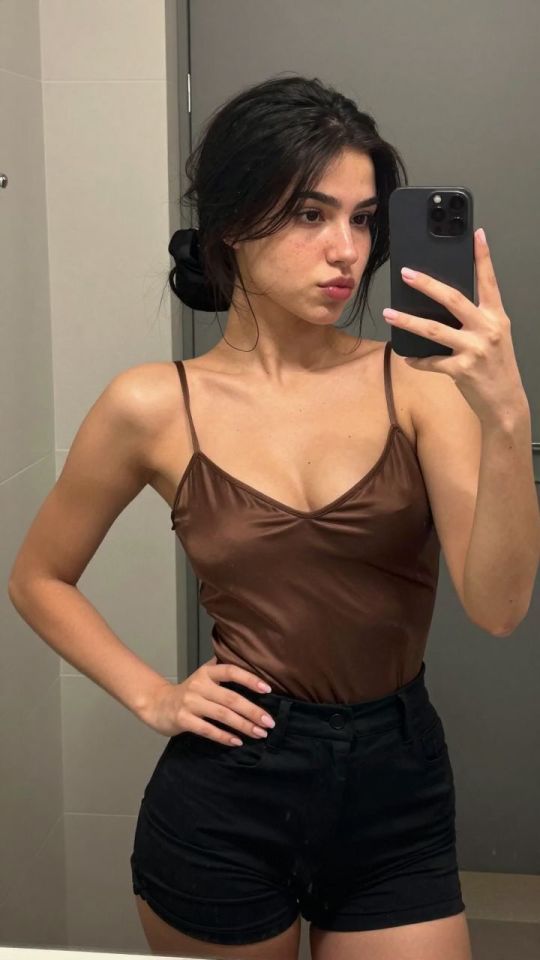
 Image
⚡ Générer
Image
⚡ Générer
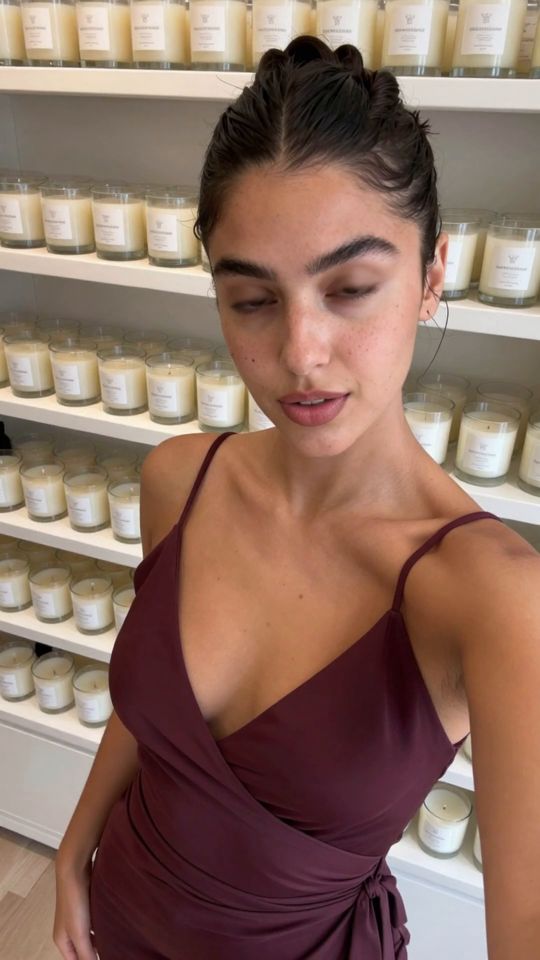
 5s
⚡ Générer
5s
⚡ Générer
 5s
⚡ Générer
5s
⚡ Générer
 5s
⚡ Générer
5s
⚡ Générer
 5s
⚡ Générer
5s
⚡ Générer
 5s
⚡ Générer
5s
⚡ Générer
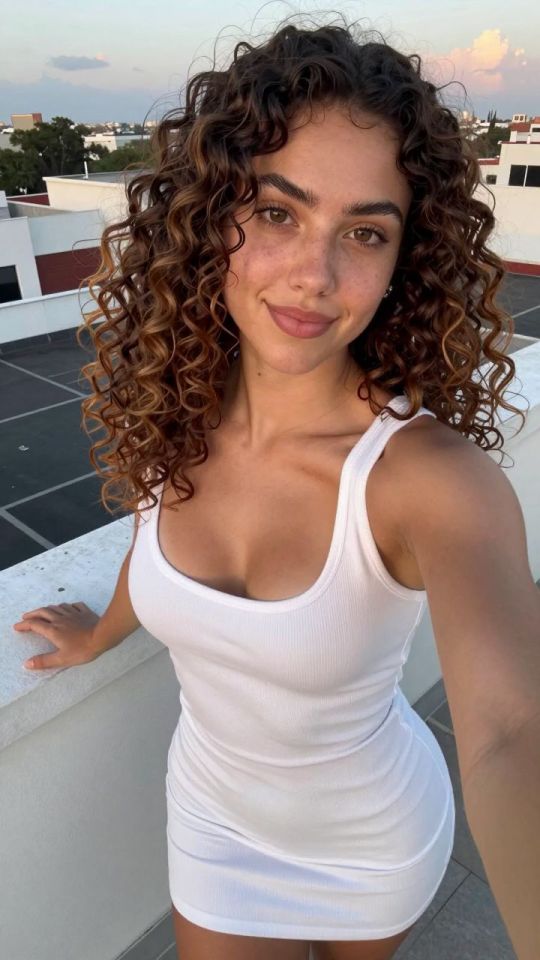
 Image
⚡ Générer
Image
⚡ Générer
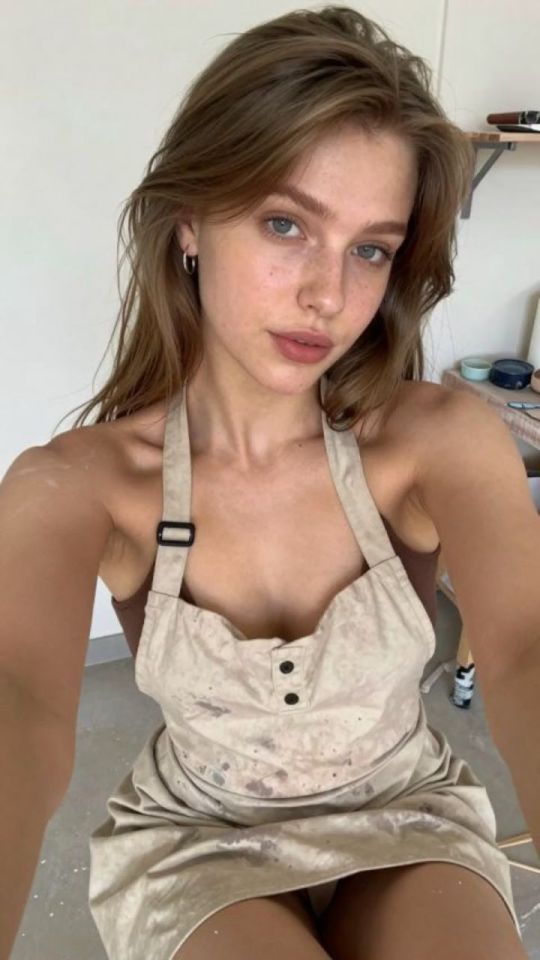
 Image
⚡ Générer
Image
⚡ Générer
 5s
⚡ Générer
5s
⚡ Générer
 5s
⚡ Générer
5s
⚡ Générer
 5s
⚡ Générer
5s
⚡ Générer
 Image
⚡ Générer
Image
⚡ Générer
 Image
⚡ Générer
Image
⚡ Générer
 5s
⚡ Générer
5s
⚡ Générer
 5s
⚡ Générer
5s
⚡ Générer
 5s
⚡ Générer
5s
⚡ Générer
 5s
⚡ Générer
5s
⚡ Générer
 5s
⚡ Générer
5s
⚡ Générer
 5s
⚡ Générer
5s
⚡ Générer
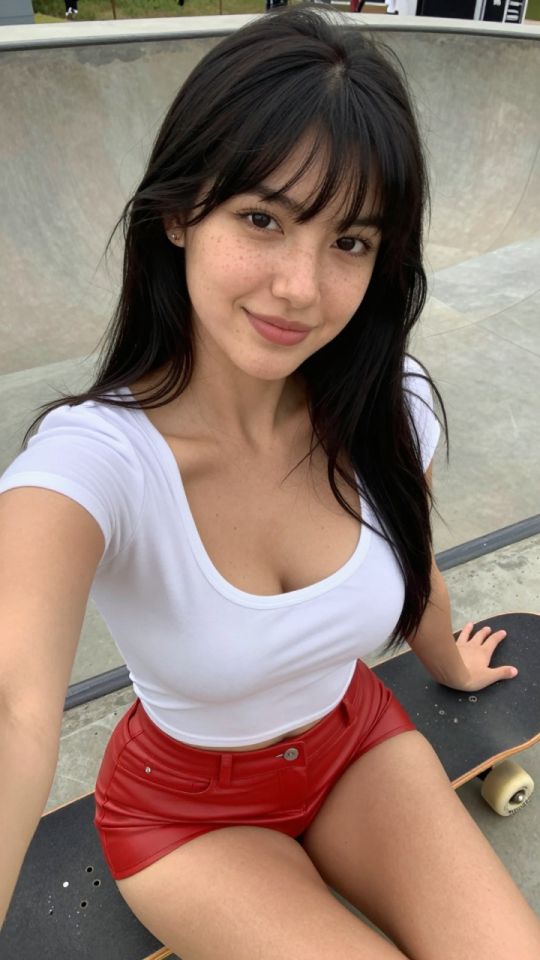
 5s
⚡ Générer
5s
⚡ Générer
Aucun modèle dans cette vue pour le moment — essayez un autre filtre..
Choisis le mouvement que tu veux. Chaque page de modèle explique exactement quelles photos marchent le mieux.
Importe ta propre image, ou pars d'un exemple. Tes imports restent privés sur ton compte.
Règle la résolution et la durée, confirme le prix en crédits affiché sur le bouton, et ta vidéo est rendue pour ta collection.
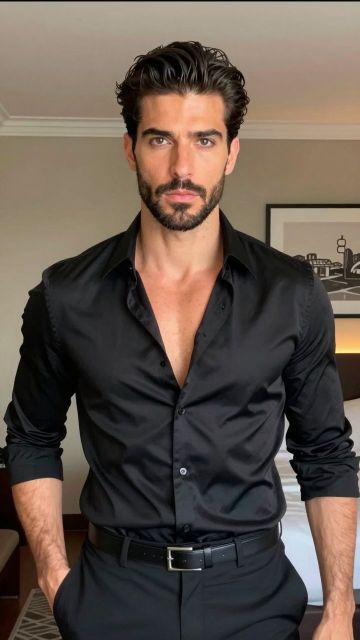
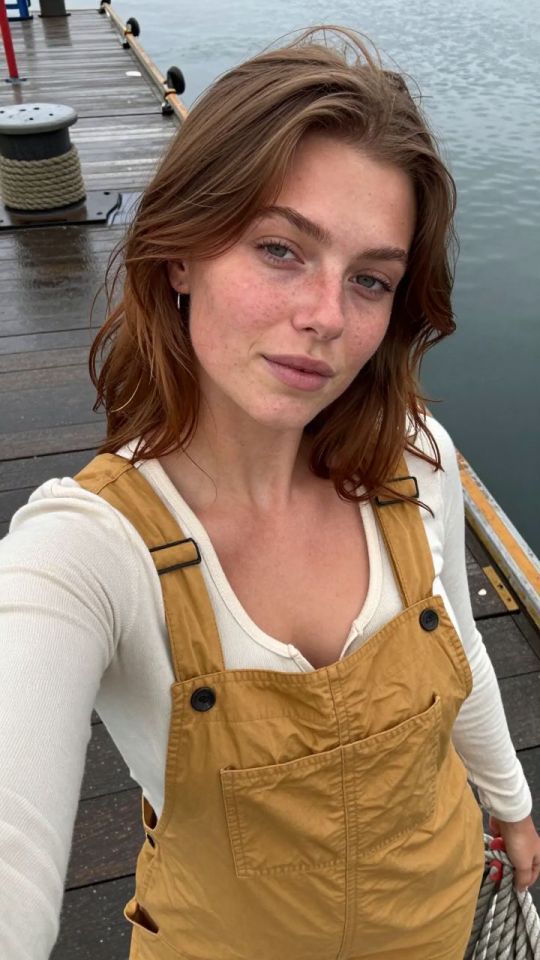
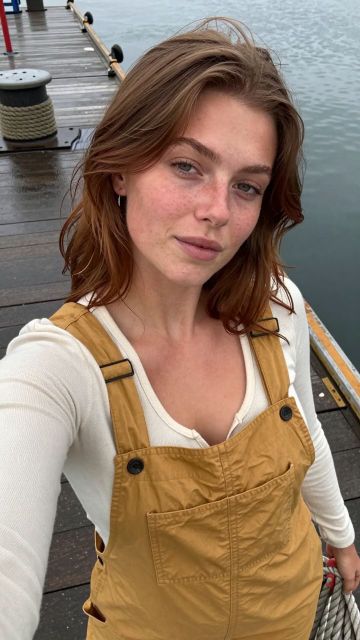
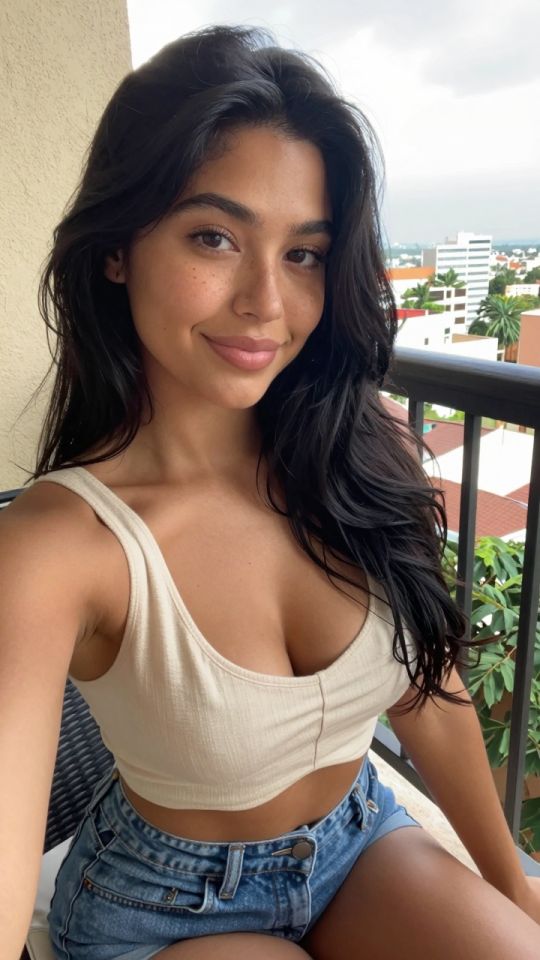
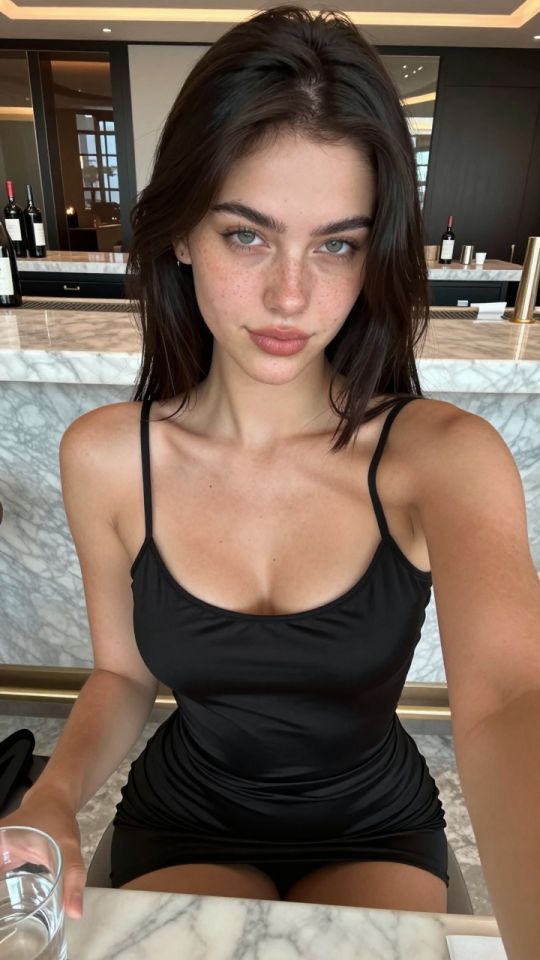
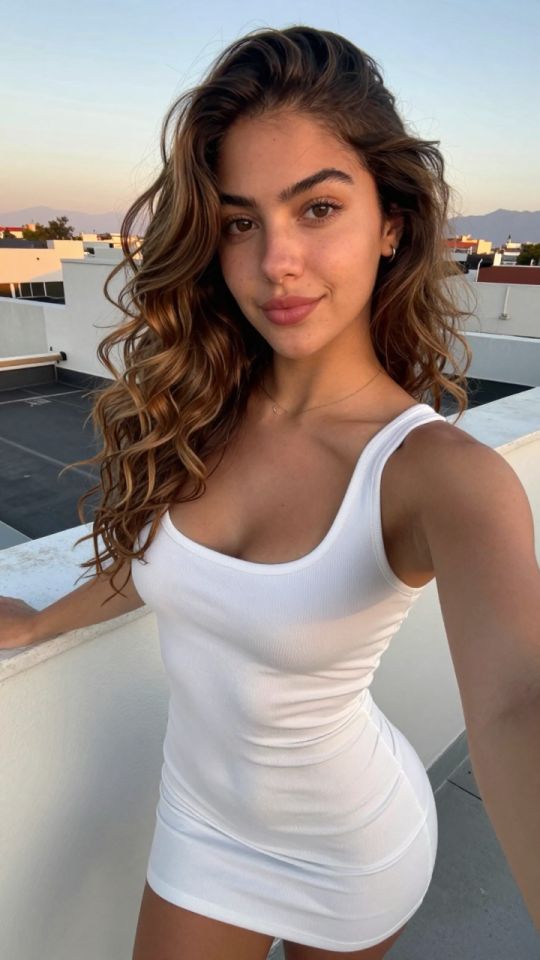
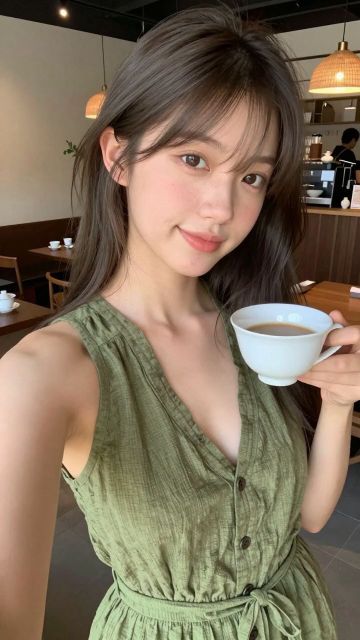
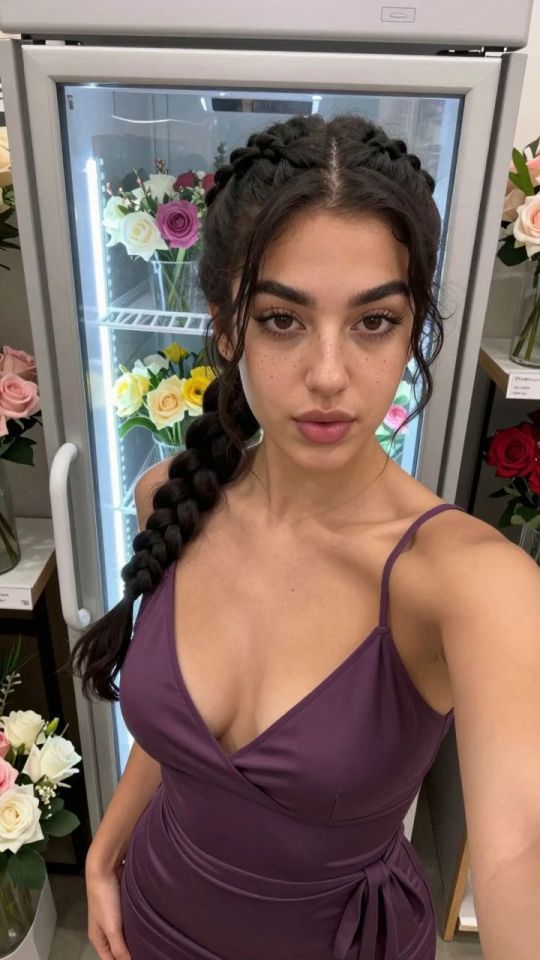
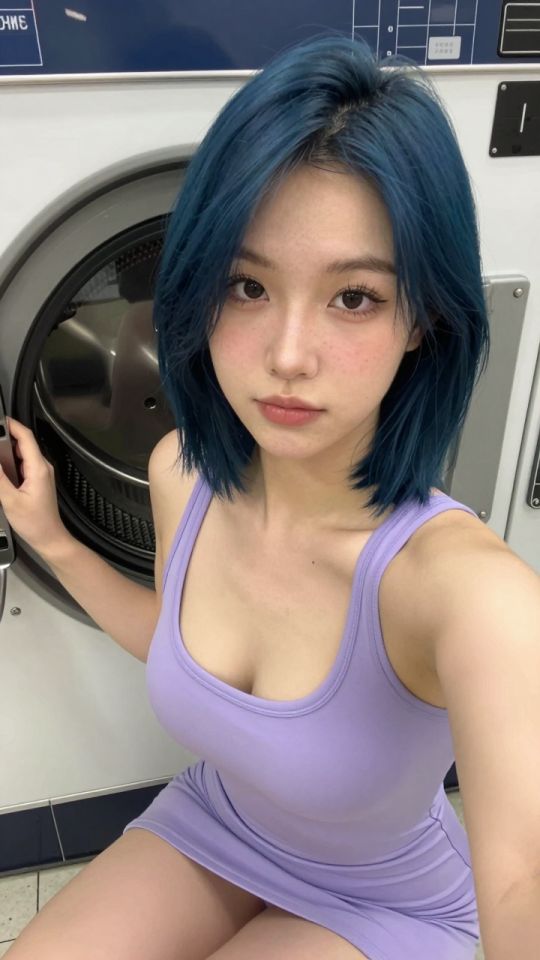
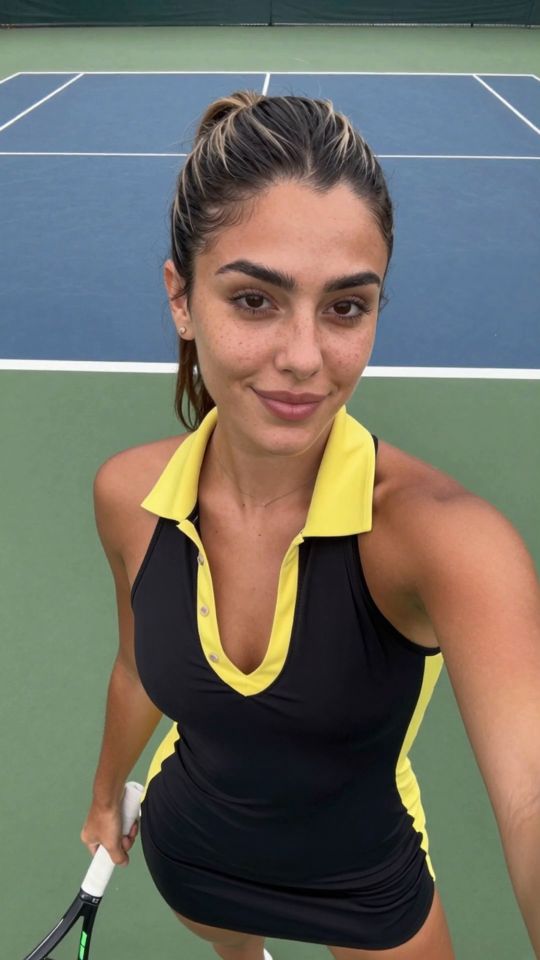
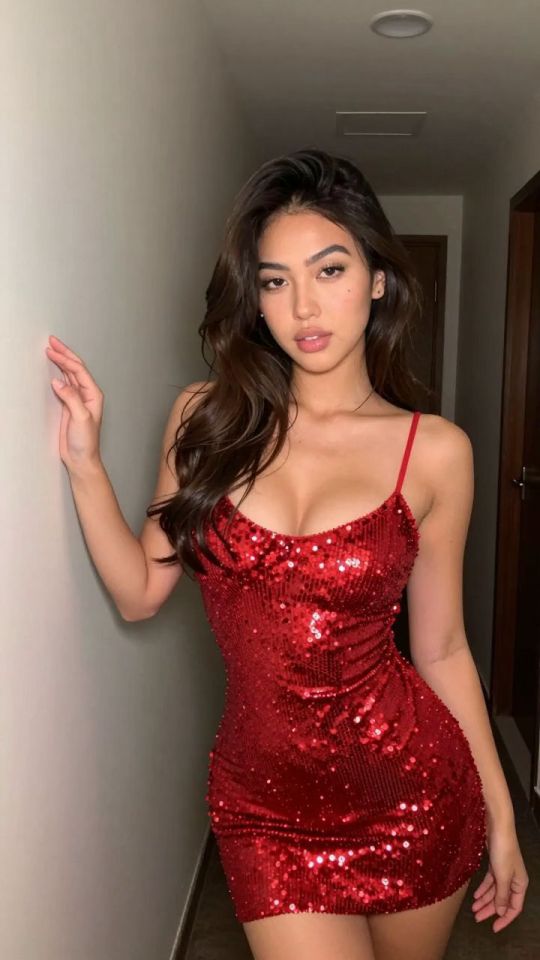
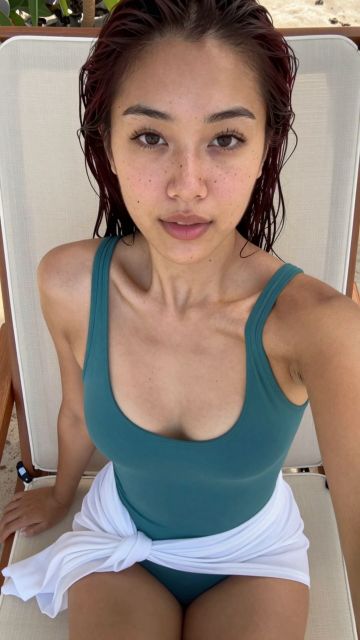
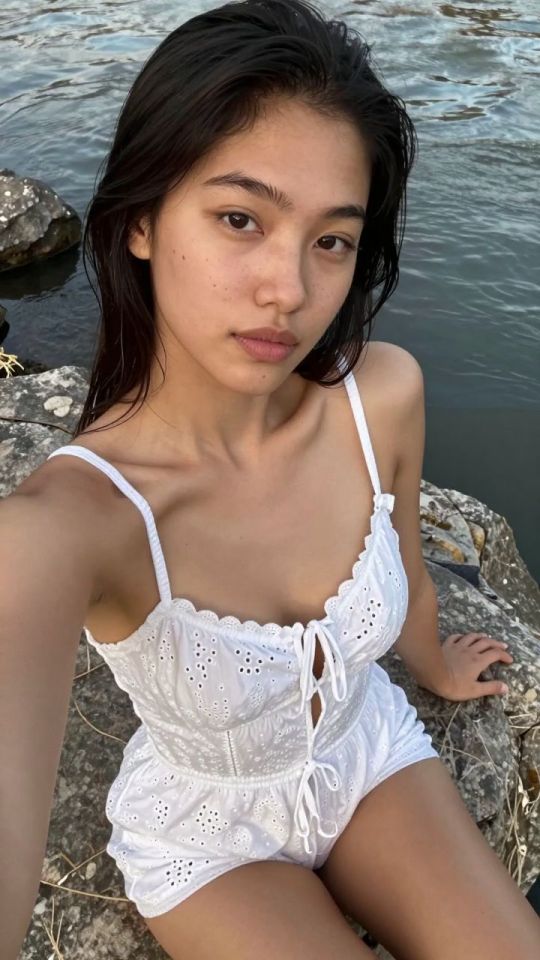
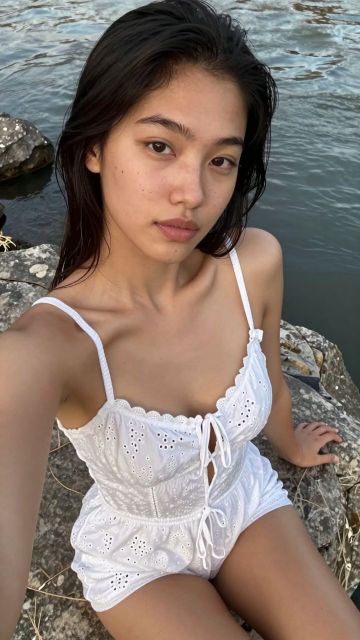
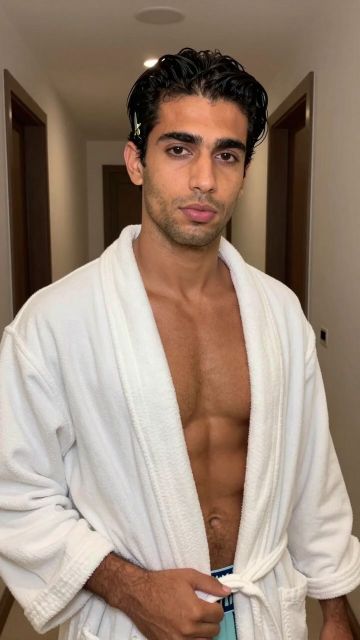
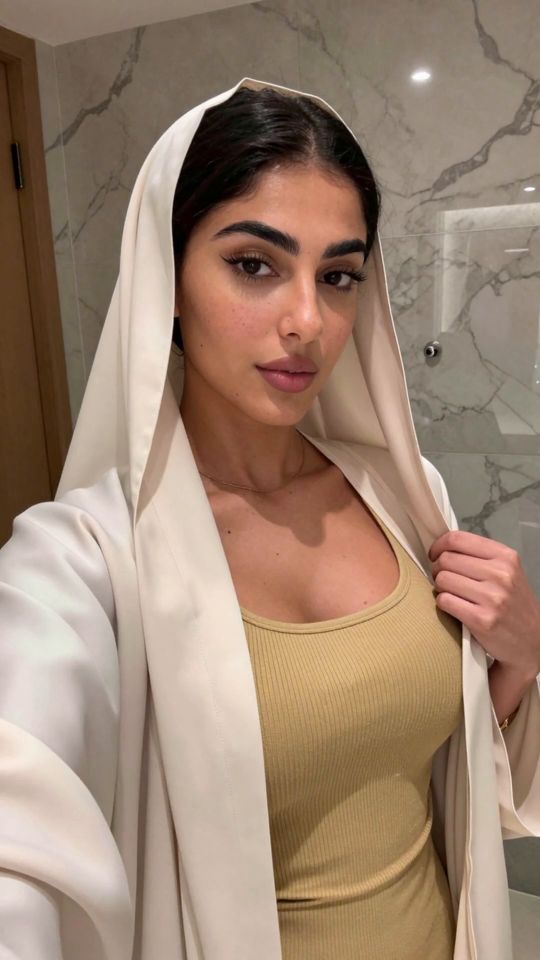
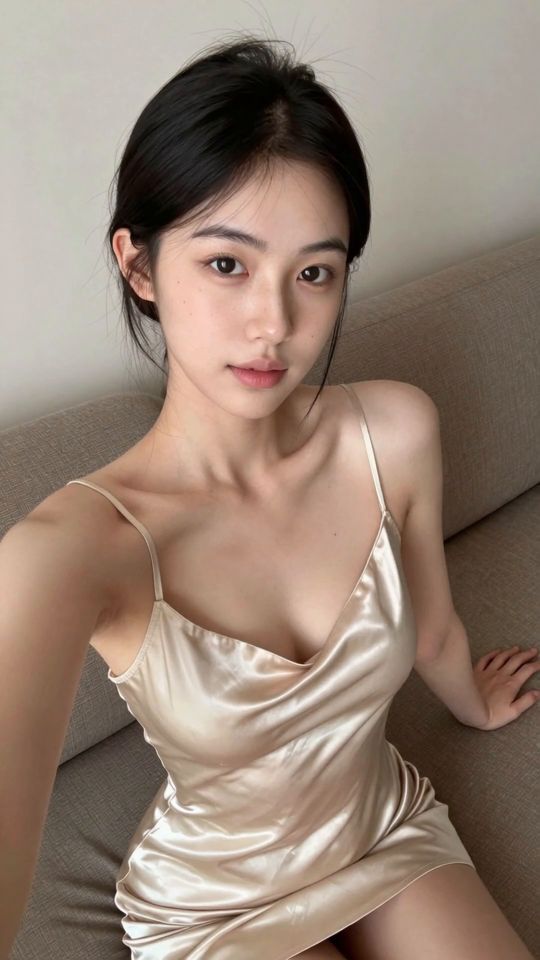
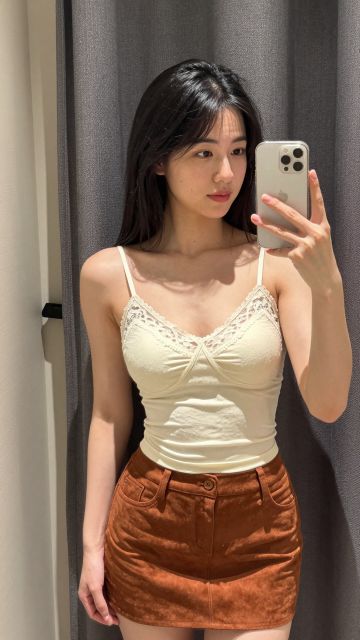
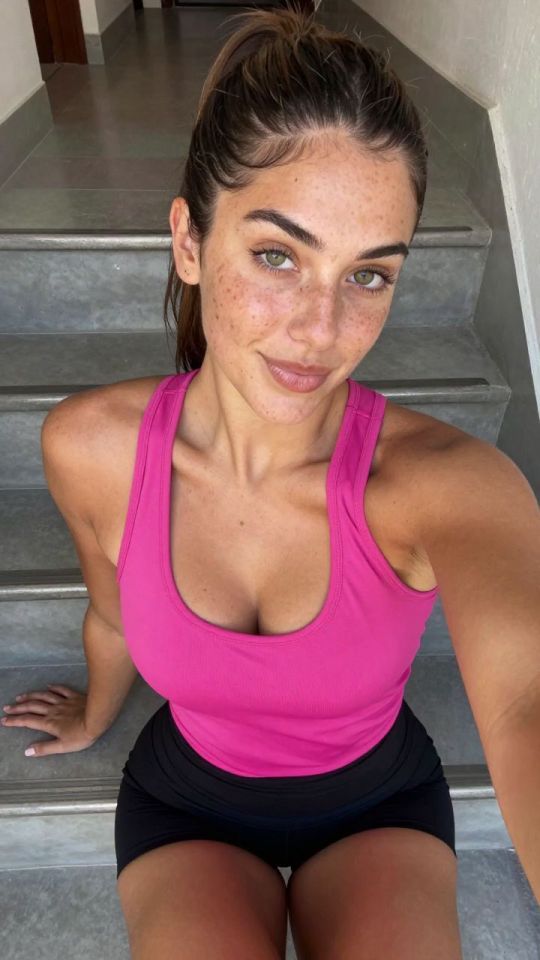
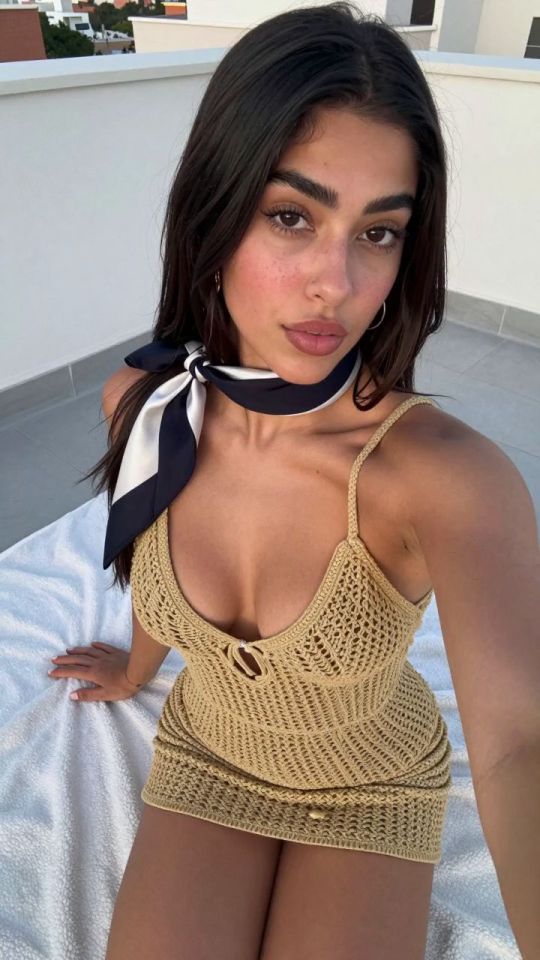
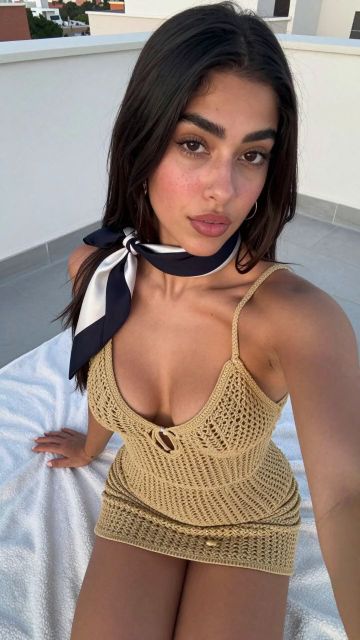
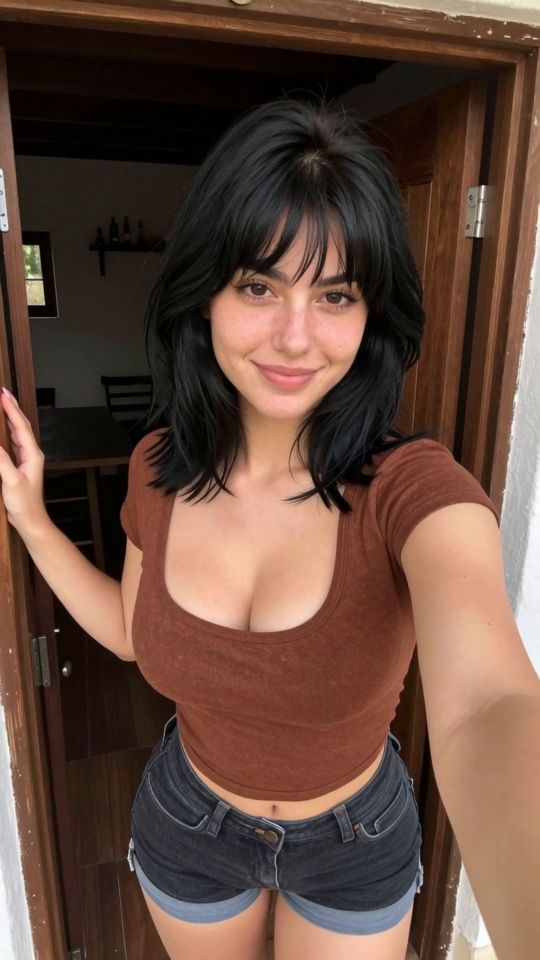
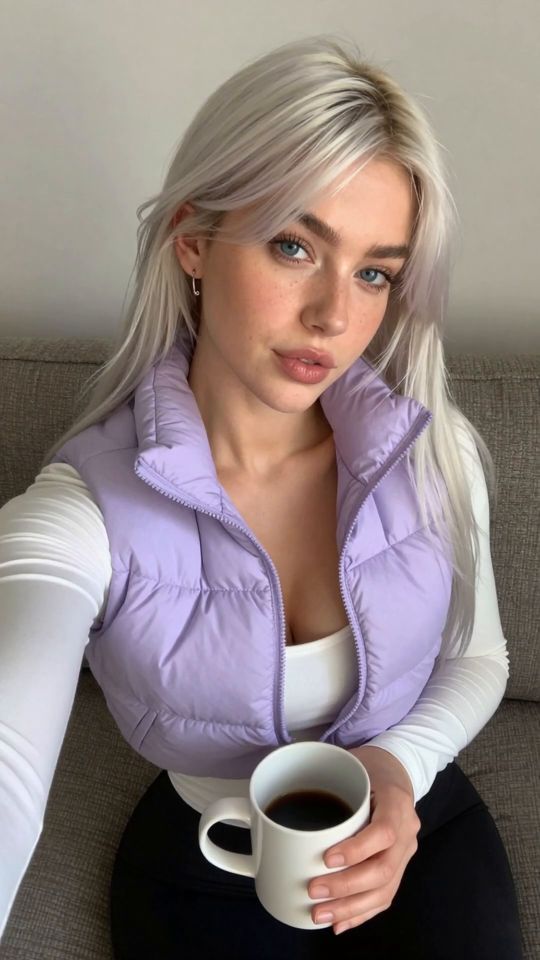
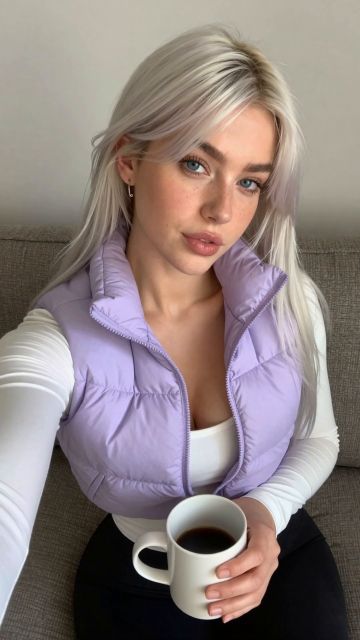
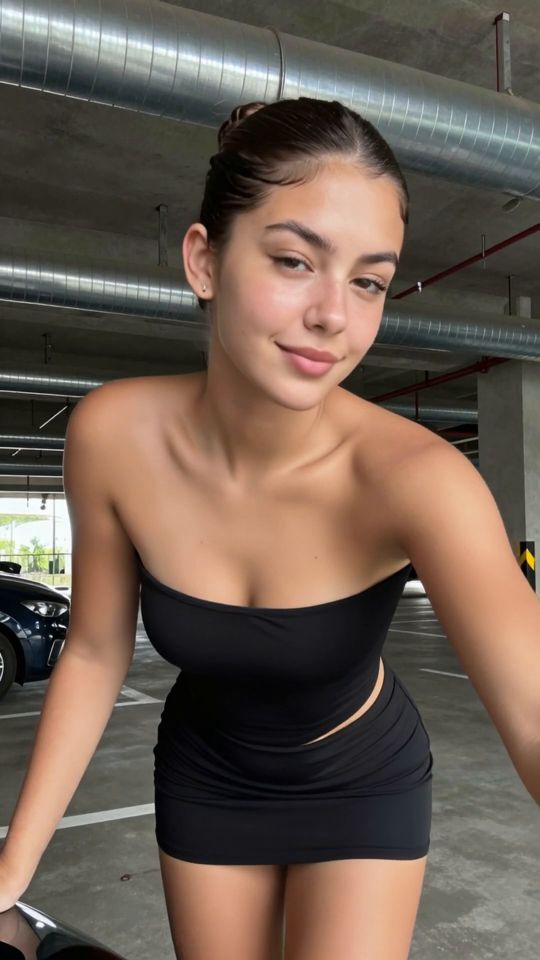
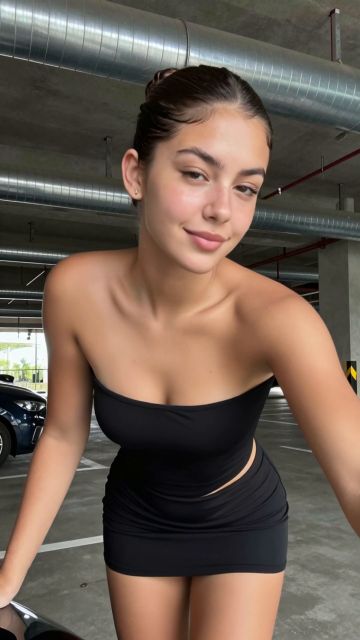
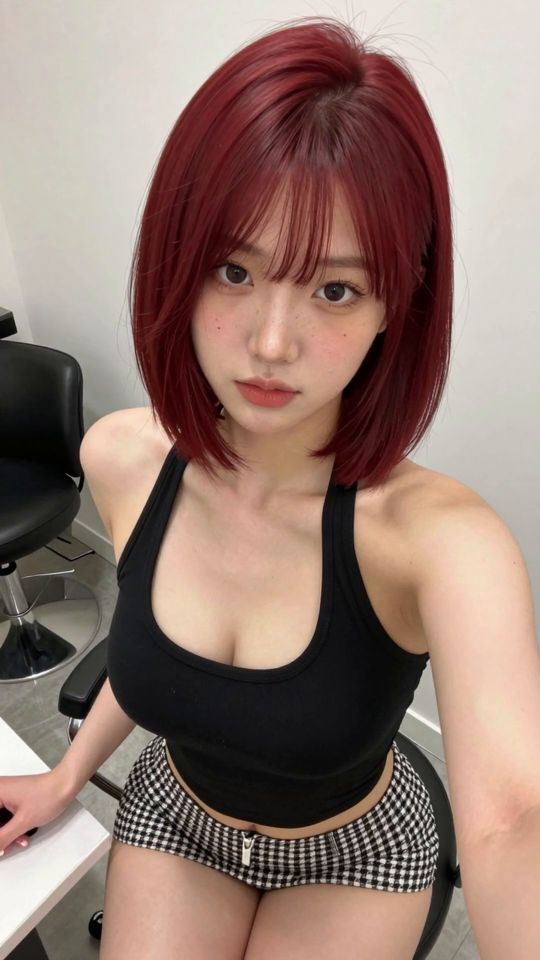
Un modèle est une recette de scène toute prête. Au lieu d'écrire des prompts à partir de zéro en espérant que le modèle te comprenne, tu choisis un look qui marche déjà, tu ajoutes ta propre photo, et tu génères. Chaque modèle de cette page associe une recette de mouvement ou d'image réglée avec précision à un modèle de style dédié, et l'aperçu sur chaque carte montre le style exact du résultat avant que tu dépenses le moindre crédit — ce que tu vois, c'est la scène dans laquelle ta photo sera reconstruite.
La bibliothèque se décline en deux familles. Modèles vidéo animent ta photo en un court clip vertical: la pose, la caméra et le rythme sont intégrés à la recette, pour qu'une simple image fixe devienne une scène en mouvement. Modèles d'image reconstruisent ta photo en une nouvelle image fixe dans le look signature du modèle — même visage, même cadrage, nouvelle scène et nouveau style. Les deux tournent depuis le générateur de chaque page de modèle, avec le prix en crédits sur le bouton avant de confirmer.
Les modèles sont regroupés selon le type de scène qu'ils créent. Ouvre une catégorie pour voir son set complet, ou utilise les filtres au-dessus de la grille pour passer des nouveautés, aux modèles vidéo et d'image.
La bibliothèque complète se trouve aussi sur la page tous les modèles page, et tes favoris enregistrés se retrouvent sous Ma Collection dès que tu commences à générer.
Les gens utilisent les modèles pour transformer un selfie en une scène qu'ils ne pourraient jamais tourner, pour restyler une photo préférée dans un look totalement différent, ou pour essayer un mouvement avant de se lancer dans un rendu plus long avec les générateurs libres. Quelle que soit la raison, le contenu t'appartient: les imports sont supprimés après la génération, les résultats restent privés sur ton compte sauf si tu choisis de les partager, et chaque personnage impliqué est un original, adulte fictif.
Les modèles vidéo commencent à 351 crédits pour un rendu 720p de, 5-secondes; le montage plus long de 8 secondes coûte 561 crédits. Les modèles d'image sont à prix fixe : 49 crédits par image. Le prix exact est toujours imprimé sur le bouton de génération avant de confirmer — aucune mauvaise surprise ensuite.
Non. Chaque modèle embarque sa propre recette réglée par des pros et un modèle de style dédié, c'est tout l'intérêt d'en utiliser un. Un champ de prompt optionnel dans les réglages permet de piloter des détails comme les cheveux, la tenue et le décor quand tu veux donner ton avis, tu peux aussi le laisser vide.
Une photo du buste avec un visage, clair et dégagé, prise dans une bonne lumière. Chaque page de modèle annonce son cadrage dès le départ, et le respecter compte plus que le style — la recette reconstruit la scène et le style autour de toi.
Ton import est supprimé après la génération, le résultat repose en privé sur ton compte. Ni les imports ni les résultats ne sont jamais publiés par le studio, les résultats finis ne portent aucun filigrane.
Les jobs ratés sont remboursés automatiquement — tu ne paies jamais pour un rendu qui n'a pas abouti. Les résultats réussis atterrissent dans Ma Collection, prêts à télécharger ou à envoyer vers l'éditeur d'image et l'upscaler.
Analyse de votre photo…
Votre résultat apparaîtra ici même — gardez ceci ouvert..
0:00
Votre image est supprimée après génération..
Parcourir les fichiersLes générations ratées sont remboursées automatiquement. Retrouvez vos résultats dans Ma Collection.