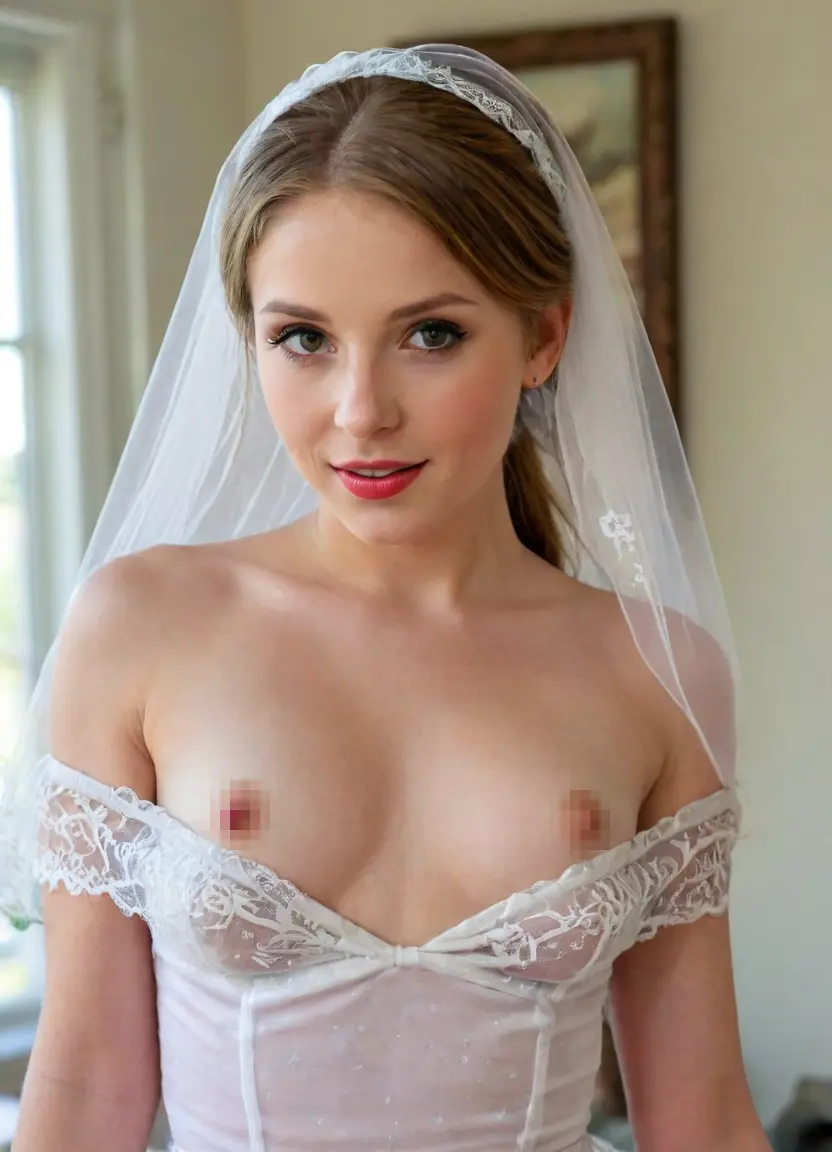
Rendered CG adult art

Free AI 3D Porn Generator

Create realistic 3D NSFW renders and video with volumetric lighting, detailed materials and original fictional adult characters.

18+ Only100% FreeNo LoginPrompt-BasedNo Photo Upload
AI 3D porn generator rendered fictional adult character
Style identity

What makes 3D different?

The 3D style sits between photoreal photography and stylized illustration. It uses physically inspired materials, volumetric lighting, depth and rendered surfaces to create the impression of a character built for animation or a game cinematic.

Useful prompt terms include octane render, subsurface scattering, volumetric lighting, physically based materials, Unreal Engine style and ray-traced reflections. Subsurface scattering gives skin and translucent materials depth, while a controlled rim light separates the character from the environment.

3D is especially effective for character concepts and asset prototyping because it encourages clear silhouettes, material descriptions and readable lighting. It can stay stylized or move closer to realism by adjusting facial proportion, texture detail and camera simulation.

Prompt vocabulary

Best prompts for 3d

Build the subject first, then add the style vocabulary: octane render, subsurface scattering, volumetric lighting, PBR materials, ray tracing, Unreal Engine style.

Prompt example one

30yo fictional adult woman, sculpted auburn hair, green eyes, athletic build, black futuristic wardrobe, 3d character, octane render, subsurface scattering, volumetric magenta rim light, ray-traced reflections, cinematic full-body shot --neg flat, 2d, sketch, low-poly, extra limbs

Prompt example two

27yo fictional adult character, platinum bob, blue eyes, elegant CG costume, luxury sci-fi suite, Unreal Engine style, physically based materials, soft volumetric light, detailed 3d render, 50mm camera --neg drawing, anime, flat shading, blurry, watermark
Change only one layer at a time. Keep the adult character anchors stable while testing style, scene or camera language.
Workflow

From a style prompt to a repeatable result

Define an adult character

Begin with fictional adult age, body type, hair, eyes and signature wardrobe. Avoid age-ambiguous language.

Add style anchors

Use the core 3d terms consistently and remove words that pull the model toward a conflicting visual language.

Refine scene and negatives

Change setting, lighting and camera while keeping the character stable. Use negatives for blur, extra limbs, text and style conflicts.

Example

Original fictional adult 3d art

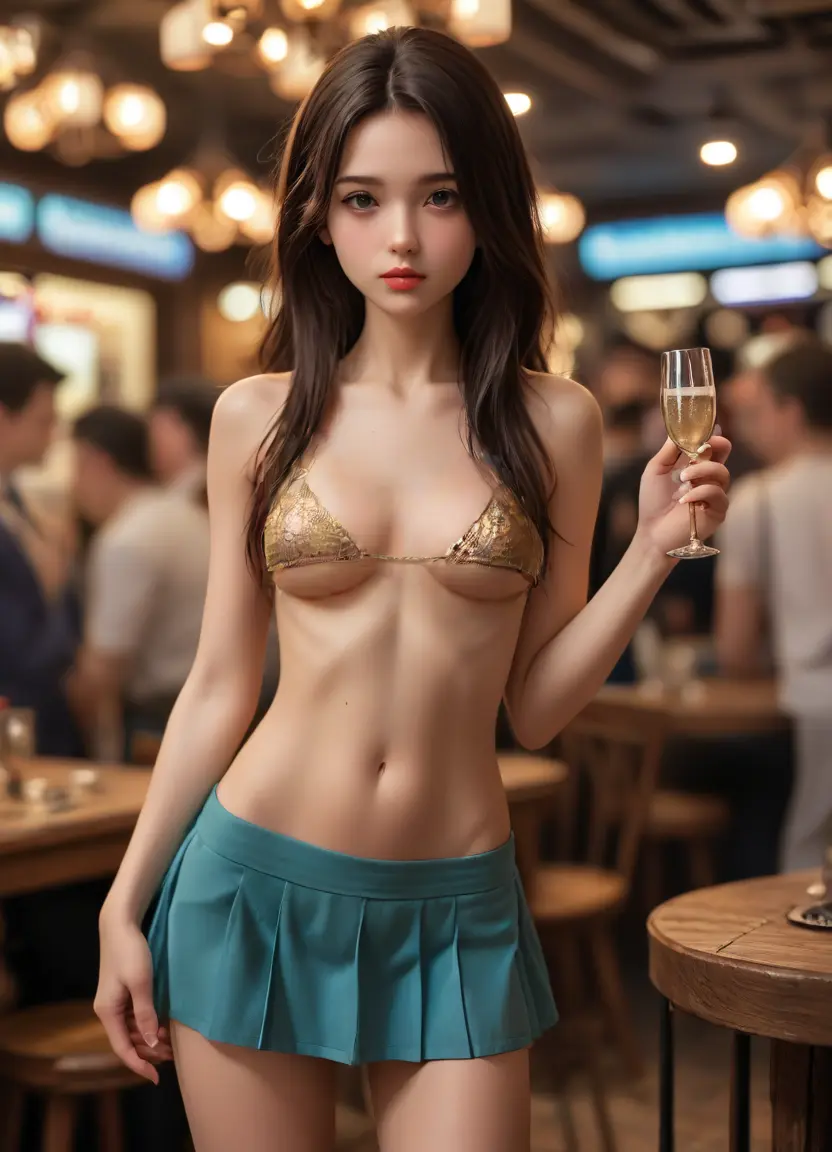
AI 3D porn generator rendered fictional adult character Original fictional adult AI style example Prompt-generated adult character style sample
Render pipeline

Direct materials, lighting and 3D depth

A useful 3D prompt reads like a compact art-direction brief. It defines the character, material response, lighting setup, camera and render style so every surface appears to belong in the same scene.

Material response

Describe materials by how they react to light: matte fabric, satin highlights, brushed metal, translucent accessories or softly reflective flooring. For skin shading, use restrained subsurface scattering and natural roughness. Avoid demanding maximum gloss on every surface because identical reflections flatten material differences.

Volumetric lighting

Set one key light, a softer fill and a rim or practical light. Volumetric haze is most effective when it reveals light direction rather than covering the scene. Name the source and colour of each major light so the character, background and atmosphere share a coherent palette.

Camera and depth

Use lens language, camera height and depth of field together. A 50mm eye-level portrait feels different from a 28mm low-angle environmental frame. State the focal subject and keep depth of field moderate enough that important character details remain readable.

Choose a render identity

Decide whether the target is cinematic realism, a stylized game asset, an animated-feature look or a polished character render. Then keep the renderer vocabulary consistent. Physically based materials, ray-traced global illumination and cinematic tone mapping suit realism. Hand-painted textures, simplified forms and controlled specular highlights suit stylized game art.

For game-asset concepts, describe topology-ready forms, readable silhouette, material separation and a neutral presentation angle. For a final scene, replace technical turnaround language with environment, atmosphere and storytelling light. Mixing a neutral asset sheet and a dramatic cinematic scene in one prompt creates conflicting composition goals.

Use subsurface scattering carefully

Subsurface scattering should soften light through skin and thin materials without producing a waxy surface. Pair it with natural roughness, fine normal detail and a clear key light. If the render looks plastic, reduce glossy terminology, increase roughness variation and simplify post-processing requests.

Build depth without clutter

Separate foreground, subject and background with value contrast and light. Use a restrained foreground element, a crisp character silhouette and a lower-detail environment. Volumetric beams, bokeh and atmospheric perspective should support the subject, not hide anatomy or facial features.

Move from still render to video

Start with a stable character render and write motion that respects weight and camera space: slow body turn, subtle cloth response, controlled dolly movement or changing practical light. Keep material and lighting anchors unchanged across revisions. The video generator guide covers continuity, while the prompt guide explains a reusable prompt structure. All subjects must be original fictional adults aged 18+.

Diagnose common render failures

If the result looks flat, increase separation between key, fill and background light rather than adding more quality tags. If surfaces look identical, describe roughness and reflection for each major material. If skin appears waxy, reduce glossy terms and soften subsurface scattering. If the environment overwhelms the subject, lower background detail and restore a clean silhouette. Change one render variable per pass and keep a note of the result.

FAQ

3D generator questions

What does the 3D style look like?

A rendered three-dimensional look with volumetric lighting and subsurface scattering, positioned between photorealism and stylized CG.

Can I use 3D renders as game or project assets?

The style is useful for fictional character concepts and asset prototyping. Check the terms of your target platform before commercial distribution.

Does the 3D style support video?

Yes. Select 3D styling on the video generator to render animated clips up to 10 seconds.

Are the 3D characters modeled on real people?

No. All characters are fictional and 18+, generated from a text prompt. Real-person and minor prompts are prohibited.

Which prompt terms create more realistic 3D renders?

Combine physically based materials, subsurface scattering, volumetric light and a specific camera. The prompt guide explains how to layer those terms without conflicts.

Create a fictional adult 3d character

Combine a clear adult subject anchor with the style vocabulary above, then refine one prompt layer at a time.

Generate 3D Art Free
AI Porn XXX is for adults aged 18+ and fictional, original adult characters only. Prompts targeting minors, real identifiable people, public figures, or non-consensual content are prohibited.