480p default; 720p and 1080p shown
Those resolution labels were visible before submission. Because the PRO gate stopped the run, actual output dimensions were not verified.

Open an external partner video interface with prompt and file-input controls. In our July 16, 2026 anonymous test, the form showed 480p, 720p and 1080p options, but Generate required a PRO subscription before any output was created.
AI Porn XXX does not operate the linked video model. The button opens PornWorks, an external partner. In our July 16, 2026 anonymous test, its Video page accepted a text prompt and displayed resolution, model, size, mode and cost controls. Clicking Generate then opened a modal stating that video creation is exclusive to PRO subscribers.
Video is useful when the idea depends on timing and movement rather than a single pose. Animators can test a scene, game developers can explore a character in motion, writers can visualize a beat, and digital artists can compare camera language before committing to a longer workflow.
Those resolution labels were visible before submission. Because the PRO gate stopped the run, actual output dimensions were not verified.
The tested page exposed a prompt box and Upload files control. The upload path, supported files, retention and image-to-video behavior were not tested.
The setup showed 400¢, but Generate opened a PRO-only modal before a queue item or video appeared.
Define an original fictional adult aged 25+, stable wardrobe and scene, one motion, and one camera instruction.
Confirm the current model, size, mode, resolution labels, displayed cost and account requirements before submitting.
If you choose to subscribe, start with a short restrained motion and review the beginning, middle and end before increasing complexity.
A still image only needs to make one frame coherent. Video must keep the same face, hair, body proportions, wardrobe and environment stable while everything moves. Early generation systems often changed details between frames, produced extra limbs during motion or turned a controlled camera move into a morphing slideshow.
Video systems need temporal consistency across adjacent frames, but the tested interface did not identify its internal architecture or prove how it preserves character anchors. Treat prompt advice as a testing method, not as evidence that a specific provider will eliminate flicker, blur, morphing or anatomy changes.
A short clip can contain one readable visual beat: an original character begins in a stable pose, completes one small action and reaches a clear final state. The tested page did not expose a duration selector, so this review does not claim a specific available length.
Static appearance terms are not enough. Add controlled verbs such as “slowly turning,” “walking toward camera,” “hair moving in a soft breeze,” or “camera orbiting left.”
Use POV, close-up, wide shot, low angle, dolly-in or slow pan. One clear camera instruction is usually more stable than several conflicting movements.
Repeat hair colour, eye colour, body type and signature wardrobe exactly. This gives the sequence a stable identity from frame to frame.
The tested Video form did not expose a negative-prompt field. State the intended identity, clothing, background and camera positively, then use model-specific negative controls only when the current interface documents them.
These still previews illustrate different art-direction choices for an original fictional adult video workflow. They are planning references, not claims that every prompt produces an identical result.

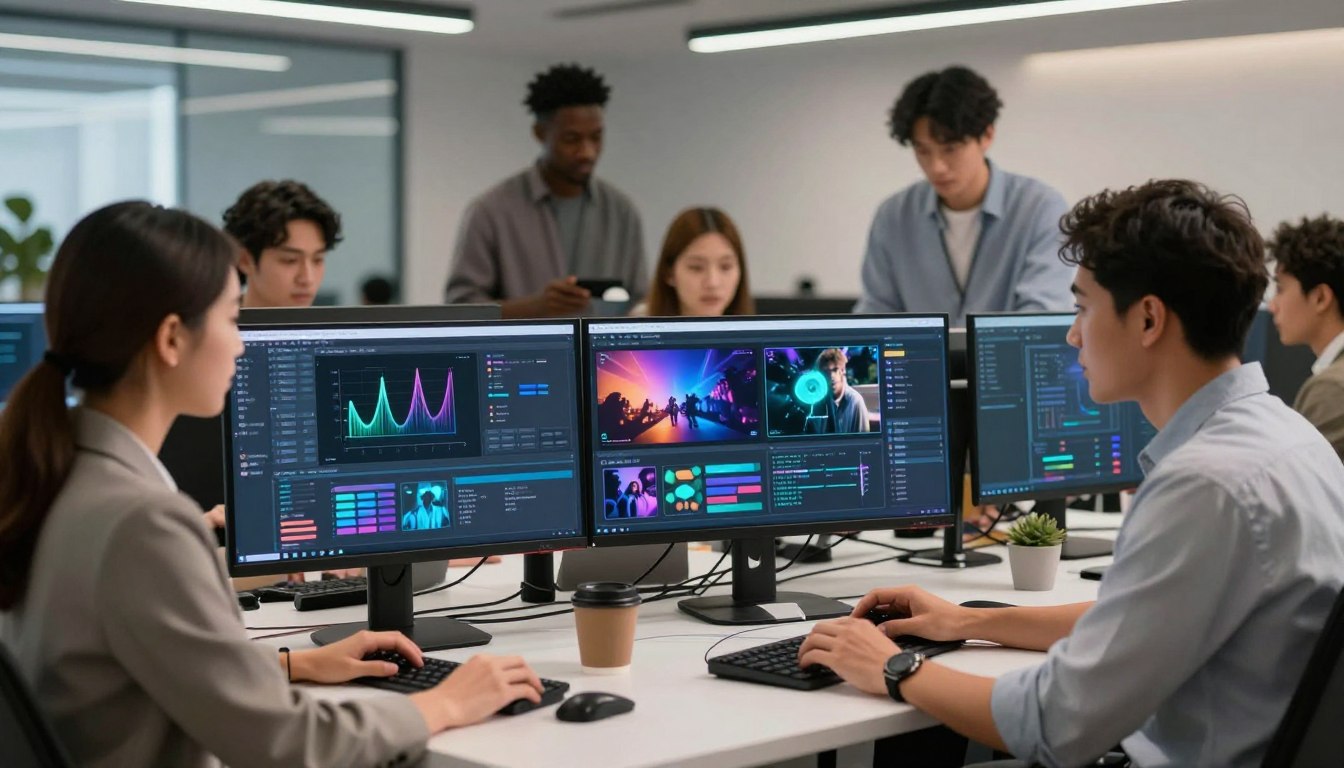
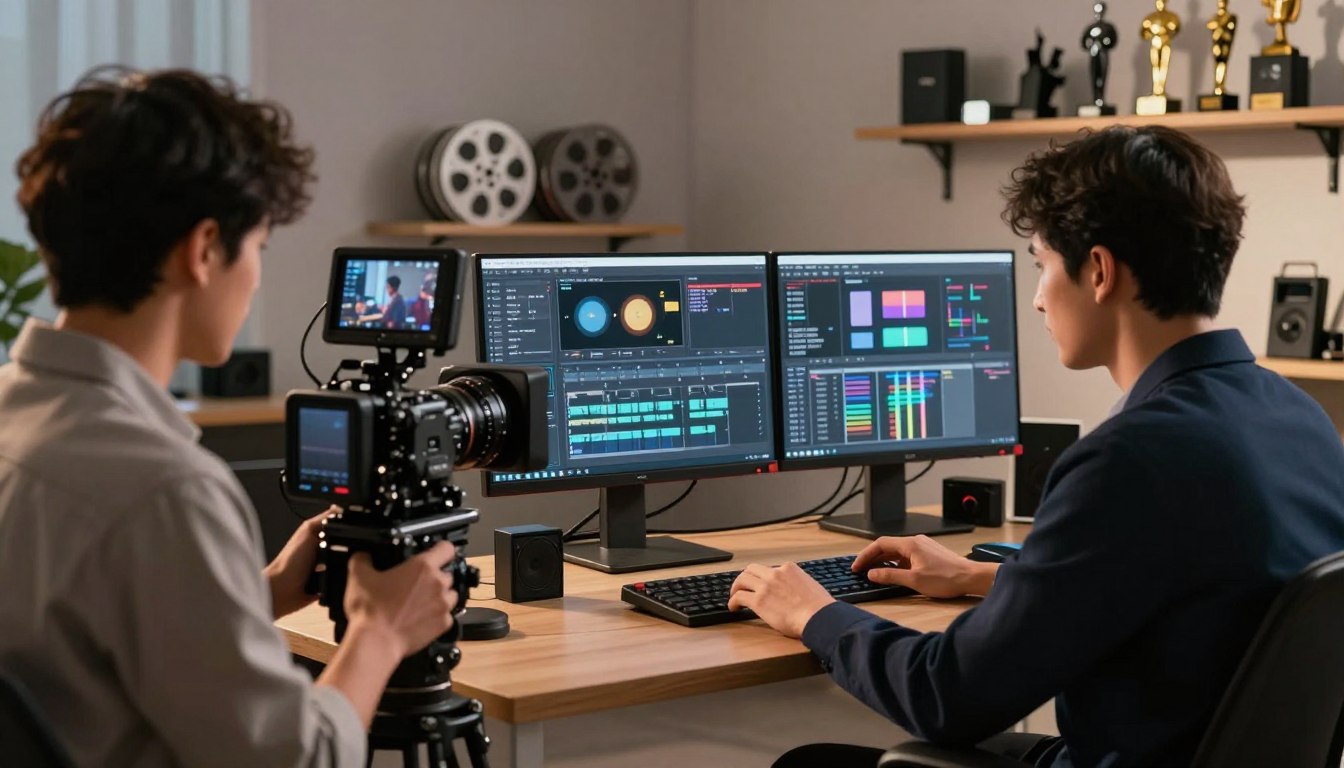


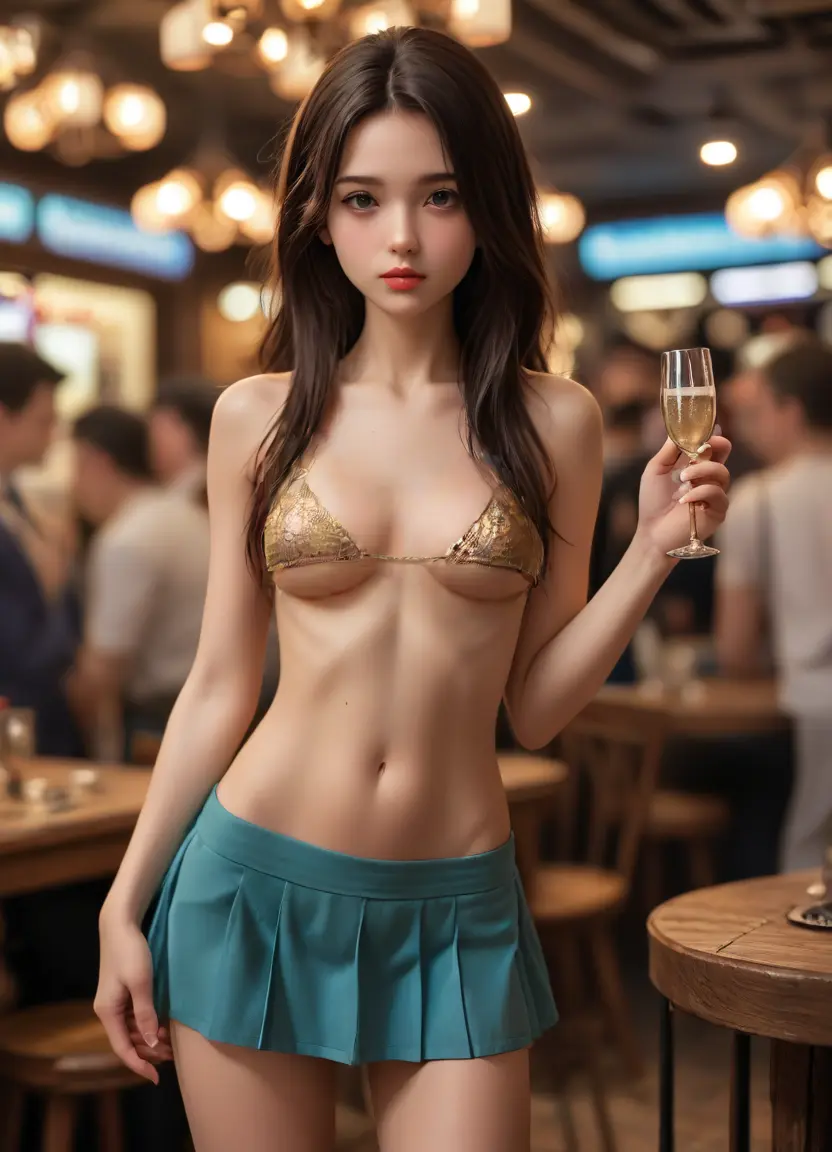
A strong short video prompt describes what changes over time, what stays stable and how the camera observes the scene. Treat those as separate layers instead of packing several unrelated actions into one sentence.
Start with a single primary movement such as turning, walking, leaning closer or moving a hand. Add a restrained secondary detail such as hair movement, fabric response or shifting light. One clear action gives the model a better chance to preserve anatomy and timing than a sequence of competing instructions.
Describe character motion first, then add camera language such as slow push-in, locked medium shot, gentle orbit or controlled pan. If both layers are written as one vague action, the frame can drift. A stable camera is often best for the first render because it makes continuity problems easier to diagnose.
Keep the fictional adult character’s age, hair, wardrobe, body proportions and lighting direction unchanged across revisions. When a result is close, adjust only the motion phrase or camera phrase. Rewriting the full description every time makes it harder to identify which instruction improved or weakened consistency.
Use a short scene arc. Describe a beginning pose, one transition and a final pose. This gives the motion a destination without asking for a complete multi-scene narrative. Phrases such as “begins in a relaxed standing pose, slowly turns toward the camera, ends in a balanced three-quarter pose” are easier to audit than a long list of actions.
Refine from large motion to small detail. First verify silhouette, limb movement and camera stability. On the next pass, tune expression, hair, fabric and lighting. If the exact model exposes a documented negative control, target only visible failures; otherwise keep the positive state and motion instructions clear.
For a reusable workflow, keep a prompt log with the character anchors, motion verb, camera instruction, duration and observed result. The AI porn prompt guide provides a complete formula, while the image generator guide is useful for establishing a stable character concept before planning motion. All concepts must feature original fictional adults aged 25+ and must not use identifiable real-person likenesses.
Not in our July 16, 2026 anonymous test. The form was accessible, but Generate opened a modal stating that video creation is exclusive to PRO subscribers.
The interface showed 480p, 720p and 1080p labels, with 480p selected. No clip was generated and no duration selector was visible, so output dimensions and length were not verified.
Enter a fictional-adult subject, one motion and one camera rule, review the current controls, and click Generate. A subscription was required before our test could enter a queue; see the prompt guide for the preparation method.
Do not equate no visible login with no data collection. Review the external provider’s current privacy policy for technical, usage, account, payment and uploaded-content processing before submitting.
The tested page displayed an Upload files control, but we did not execute that path. Use only original fictional-adult material and never upload a real person or personal photo.
Check the current subscription, cost, resolution and upload terms before submitting one controlled action for an original fictional adult.
Open Partner Video Generator